The board tracks the process; your record stays the single source of truth, with the same data, access, and history underneath.
01 · Process and workflow
Move work through stages, not copies
Boards add a controlled process on top of the records your team already trusts: clear stages, a responsible person or team, due dates, and complete history. Work moves forward without splitting into spreadsheets, side trackers, or disconnected copies.
Move work through stages without splitting the record.
A board item carries process state and history; the underlying record keeps its own data, access rules, and change history.
Boards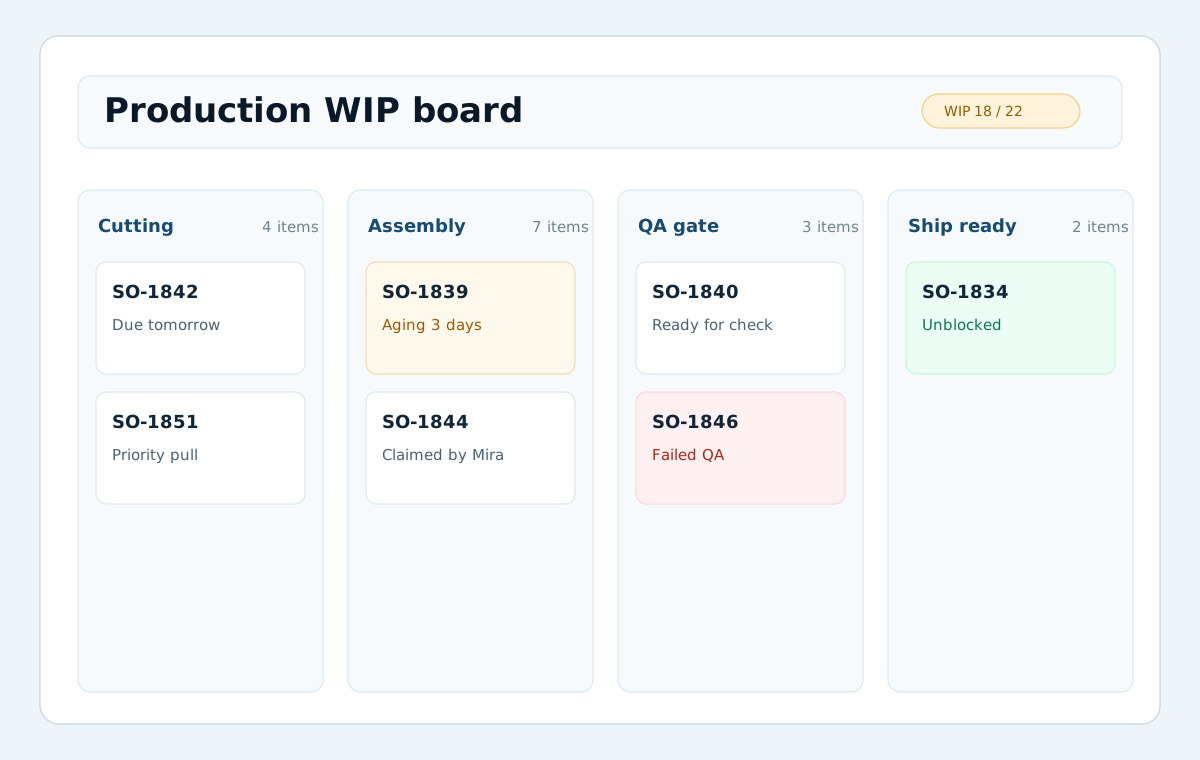
Assign each item to a person or team, and use location context to suggest or pick the group that should handle the work.
Run a continuous board, or plan in cycles with rollover for the work that is not finished yet.
From intake to done
A record, or a standalone item, enters the board in its starting stage.
Responsible people and teams move it forward along the transitions you allow.
Open child items can keep a parent from closing until they are done, and due dates flag anything that is slipping.
The item closes, and the record keeps its full process history.
Everything a process needs, governed by default
A board is more than columns. It carries the rules, people, timing, and evidence that operational work needs to stay accountable.
Define the stages work moves through and the exact moves allowed between them. No skipping steps unless you decide to allow it.
Assign each item to the person or team handling it, and give each stage the team responsible for moving work forward. People can act because they are responsible, without opening the whole board to everyone.
When location context is configured, use the work's address or coordinates to suggest or assign the team responsible for that zone or territory.
Set a deadline per item and turn on due-soon, overdue, and at-risk signals so nothing quietly slips.
Plan work in sprints, waves, or operating periods, and roll unfinished items over to the next cycle on your command.
Link related work and parent or child items. A parent cannot close while a child is still open.
Responsibility that can follow the work
Boards make accountability explicit. An item can have a responsible person or team, a stage can have the team that owns that step, and location context can help route work to the group that should handle it.
Assign a person or team to an item. Responsibility travels with the work as it moves between stages.
Give a stage a responsible team. That team can act on the work in the stage, and only on that work.
When a board has location context, Moltaro can read the work's address or coordinates and suggest or assign the team responsible for that zone.
When someone becomes responsible, a board can grant the contextual access they need, and take it back when they are done.
One process model for very different work
Run intake, dispatch, field visits, and follow-ups, with territory-based responsibility when location context is available and progress tracked end to end.
Move requests through review, approval, and sign-off, with each stage gated to the people allowed to act on it.
Track production work, quality rework, returns, or case handling across connected stages with blockers and complete history.